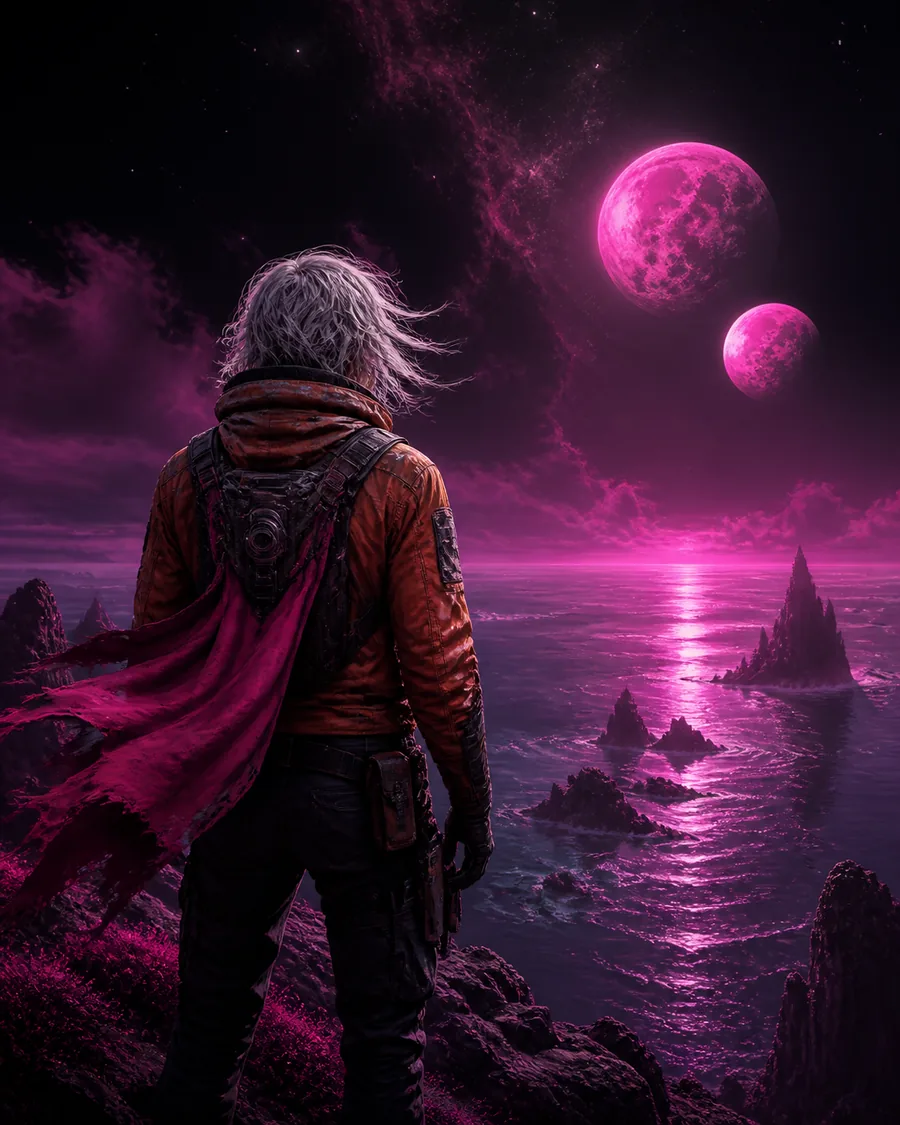
OpenArt AI / visual story system
OpenArt AI
becomes visual
stories.
OpenArt AI turns a rough thought into images, motion, characters, and sound without breaking the thread.
Submitting hands your prompt to a partner creation workspace. Your direction travels with it.
Try the studio
Start with a sentence.
Keep the thread
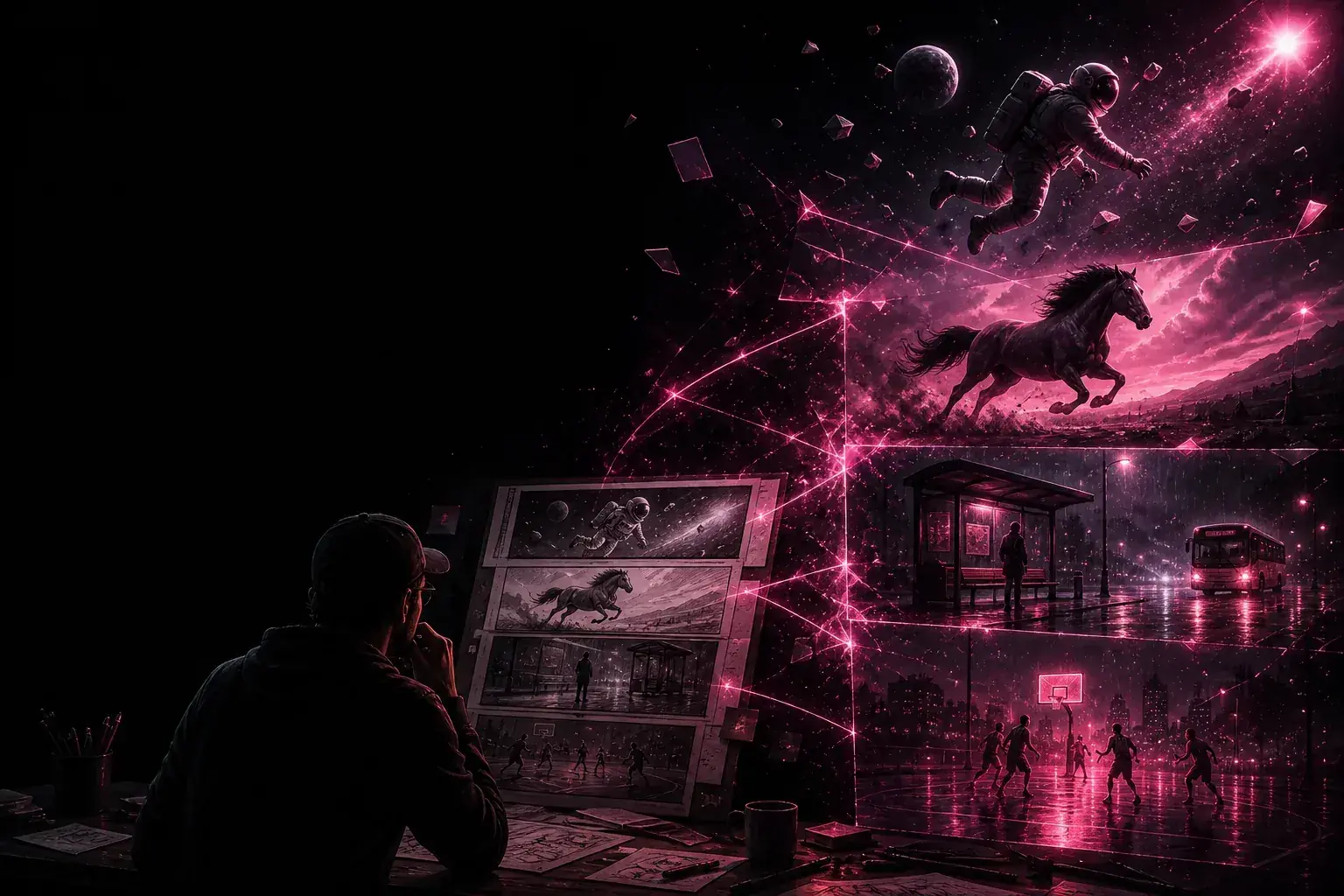
From first thought to final frame, everything stays in view.
01connected creative canvas
4Kready for the final frame
30+languages for generated voice
∞directions for one idea
The toolkit
Everything your idea needs to become a world.
OpenArt AI gives visual thinkers a single place to direct, refine, and connect every part of a story.
Keep the good parts.
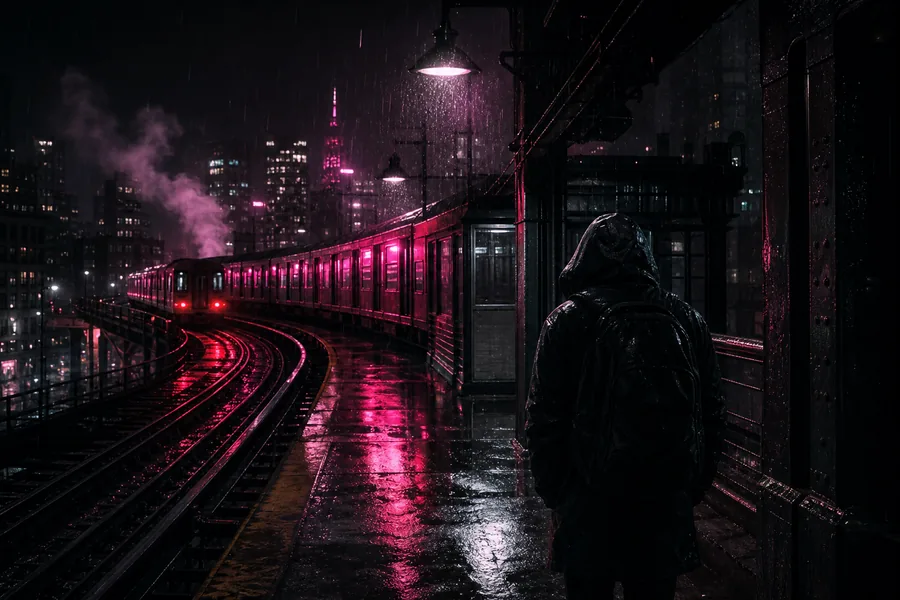
Refine a frame, swap an atmosphere, or reshape a scene without losing the original pulse.
Build places with depth.
Give a character somewhere meaningful to stand, return to, and explore.
Finish with atmosphere.
Layer voice, music, and small sounds that make the image feel inhabited.
A simpler process
Four moves from spark to story.
The creative work stays yours. OpenArt AI simply keeps the handoffs close enough to keep momentum alive.
-
01
Name the feeling.
Write the scene as plainly or poetically as it arrives.
-
02
Find the frame.
Choose the shape, pace, and visual direction that supports the idea.
-
03
Shape the world.
Bring back the same character, place, palette, or point of view.
-
04
Send it forward.
Submit your direction to the partner workspace and keep creating there.
Use cases
One canvas, six ways to think.
Start with the kind of story you want to tell, then let the tools follow the feeling.
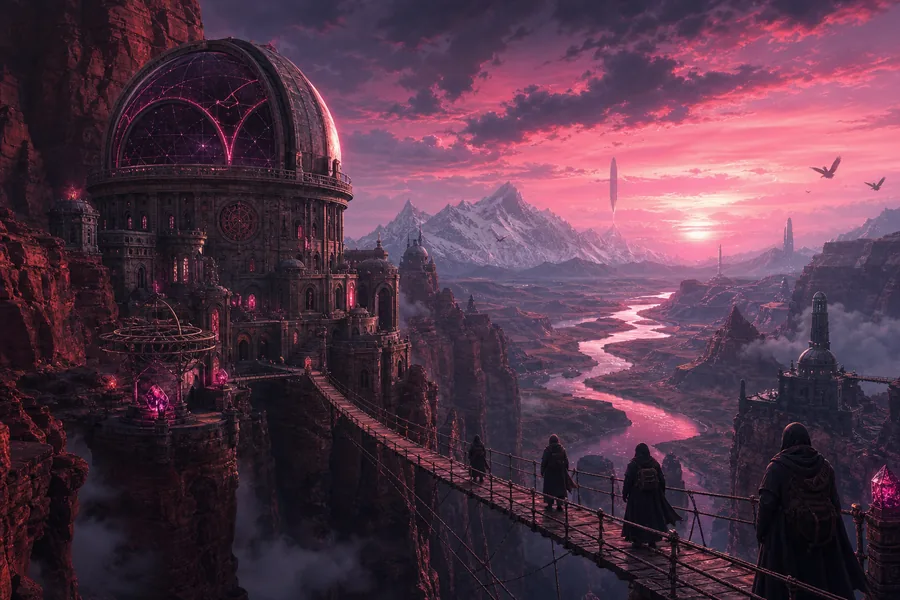
01
Cinematic shorts
Give a scene a beginning, a turn, and somewhere to land.
02
Brand worlds
Make a campaign feel like a place people can step into.
BEAT
TO
IMAGE
TO
IMAGE
03
Music-led visuals
Translate rhythm, lyrics, and atmosphere into a moving language.
SAME
FACE
NEW SCENE
FACE
NEW SCENE
04
Character series
Let a recognizable character carry the story from frame to frame.
MAKE
THE
OBJECT GLOW
THE
OBJECT GLOW
05
Product moments
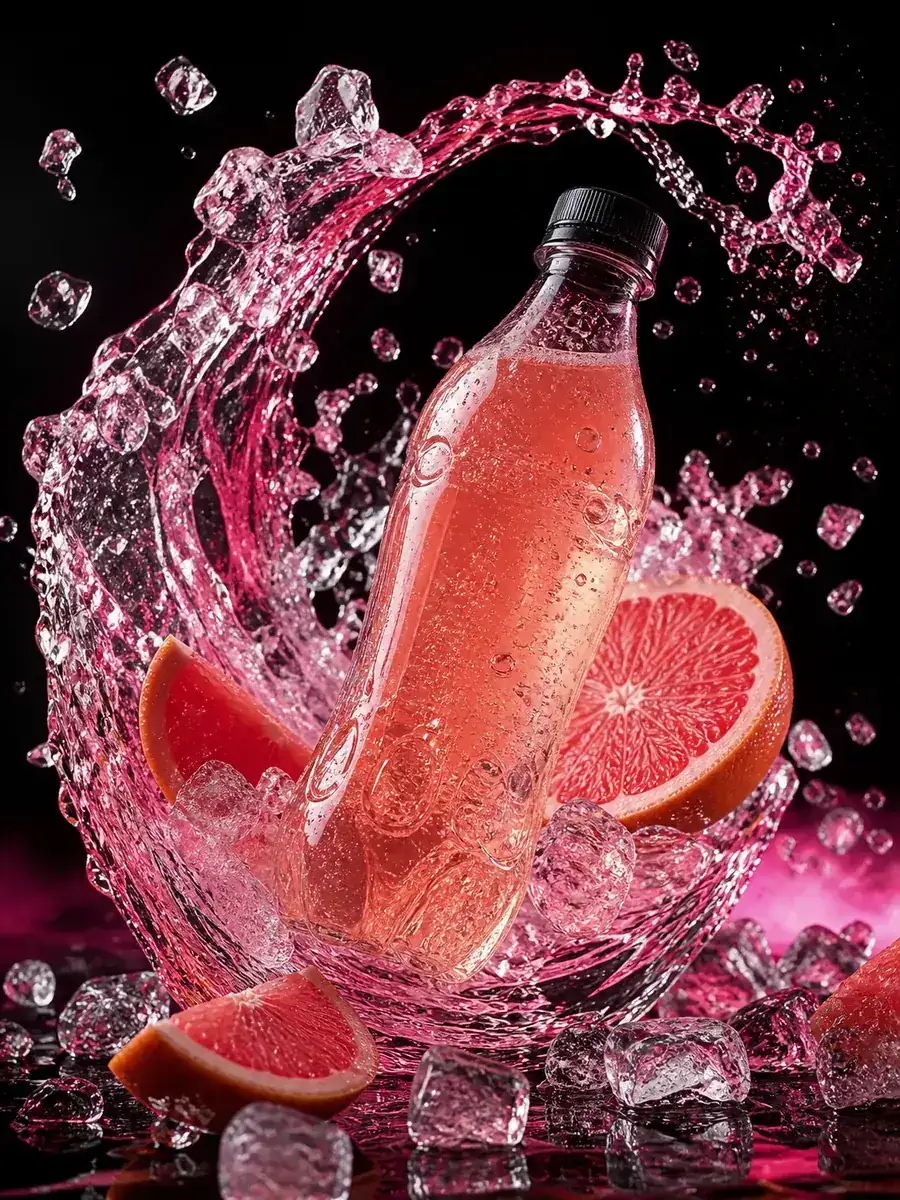
Turn a product detail into a world with texture, tone, and desire.
FROM
THOUGHT
TO MOTION
THOUGHT
TO MOTION
06
Moodboards to motion
Move beyond references and find the shot hiding between them.
Why it works
A creative system, not a pile of tabs.
The difference is not more buttons. It is keeping context close while the idea changes shape.
OpenArt AI / one connected workflow
The moment
OpenArt AI
Scattered tools
Starting point
One thought becomes a frame
Prompt, export, repeat
Continuity
References stay in the story
Rebuild each handoff
Control
Direct, edit, restyle
Switch context constantly
Output
Choose the right shape early
Fix the format downstream
Questions, answered
Good to know before you begin.
What is OpenArt AI?
OpenArt AI is a connected creative workspace for turning ideas into images, motion, characters, worlds, and sound. It is designed for people who want to direct a visual result without juggling a different tool for every step.
What happens when I submit a prompt?
Your prompt and selected frame ratio are handed to a partner creation workspace. This page does not simulate a generation, show a fake progress state, or reveal a result before the handoff.
Can one character stay consistent across scenes?
Yes. OpenArt AI is built around visual references, so you can carry a character’s face, wardrobe, palette, and point of view into new scenes and directions.
Do I need to know editing software to get started?
No. Start with plain language and a clear feeling. The workflow is approachable at the beginning, while deeper controls are available when you want to direct more precisely.
Ready when you are
Give your next idea
somewhere to go.
OpenArt AI is a focused home for visual thinkers, from the first strange sentence to the frame you cannot stop looking at.
Continue to the creative workspaceThis button hands off to a partner workspace. The hero console carries your prompt and frame choice when you use it.