Camera movement
Use a slow push-in, lateral track, tilt, or orbit to make a static composition feel cinematic. This is a reliable choice for posters, landscapes, and editorial artwork.
openart ai image generatorA new way to make the idea in your head visible.
Motion workflow / image to video
OpenArt AI animate video gives a still image a sense of camera movement, character motion, or atmospheric change without asking you to build a timeline from scratch. Start with a visual, describe the movement, and refine the result.
Anonymous access may vary by destination. Generated results depend on the source image, prompt, model, and selected settings.
The value in one line
The route is most useful when the image already has the right subject, composition, and mood. Animation adds a controlled moment: a push-in, a turn, a breeze, a reveal, or a subtle loop that makes the frame feel ready to publish.
Upload a clear image with a readable subject. Portraits, product scenes, illustrations, and cinematic frames all work best when the important edges are visible.
Ask for one dominant action rather than a complete movie. Specify camera travel, subject movement, speed, and atmosphere in plain language.
Compare the first result with the source. Keep the version with the most natural movement, then shorten the prompt or simplify the action if anatomy starts to drift.
Three useful motion mechanisms
You do not need to choreograph every second. A strong source image plus one clear motion intention usually creates a more coherent clip than a crowded instruction list.
Use a slow push-in, lateral track, tilt, or orbit to make a static composition feel cinematic. This is a reliable choice for posters, landscapes, and editorial artwork.
openart ai image generatorAsk for a small gesture such as turning toward camera, blinking, lifting fabric, or shifting weight. Small actions tend to preserve the original identity better than dramatic choreography.
openart ai characterAdd rain, smoke, light flicker, water ripples, drifting hair, or moving leaves when the subject should remain almost still. Atmosphere can create energy without changing the pose.
openart ai edit imageFor a sequence, keep the visual language consistent: repeat the lens feel, lighting direction, palette, and speed. A short animated clip works better as part of a set when those choices stay stable.
openart ai video generatorStep-by-step example
A practical openart ai animate video prompt starts with the subject, names one movement, and ends with the desired visual character. The example below keeps the brief intentionally narrow.
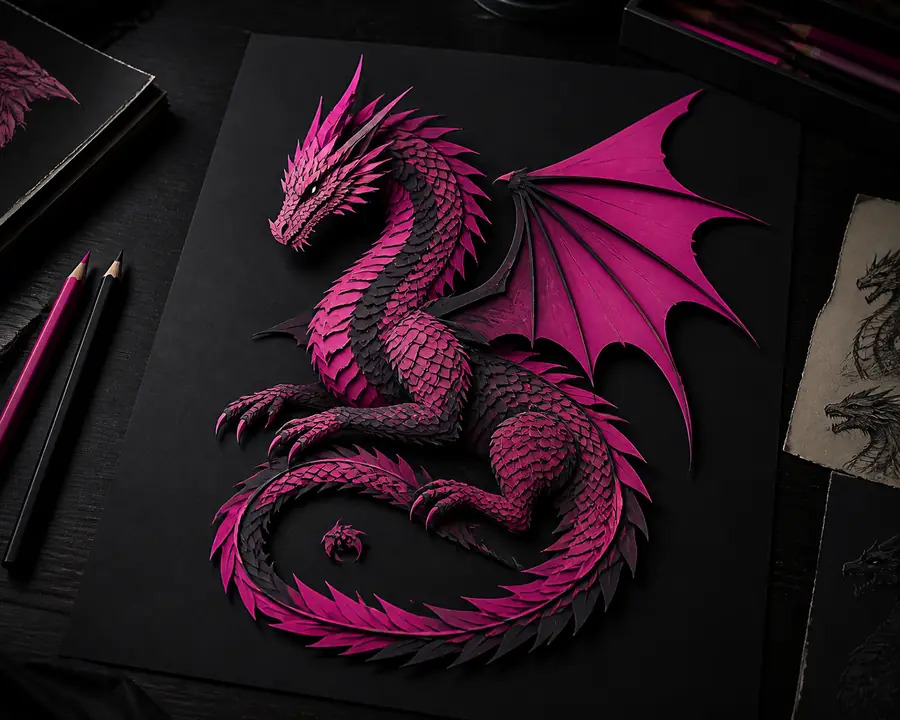
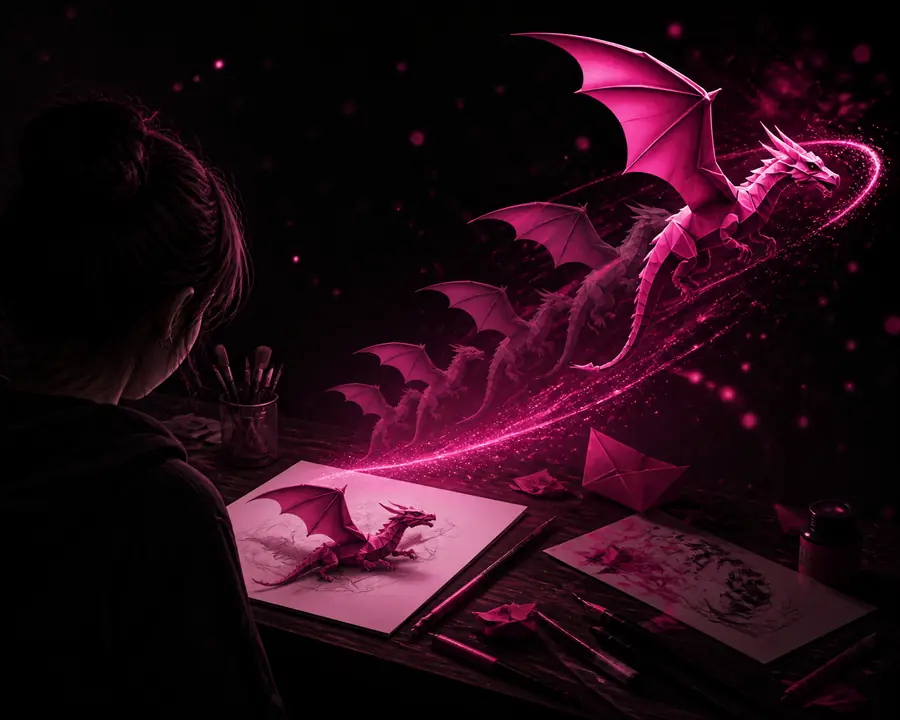
Prompt pattern: “Slow camera push toward the subject, soft wind moving the hair and jacket, gentle afternoon light, natural motion, preserve facial features and composition.” Begin with one action; add atmosphere only after the core movement feels right.
Control surface
| Attribute | Useful starting point | Why it matters |
|---|---|---|
| Source image | Clear subject and edges | Gives the model stable visual anchors. |
| Motion count | One dominant action | Reduces competing interpretations. |
| Camera language | Push, pan, tilt, or orbit | Sets the clip’s visual rhythm. |
| Speed | Slow or gentle first | Helps preserve structure between frames. |
| Negative guidance | Preserve face and layout | Protects important details from drift. |
| Complex choreography | Not a reliable first pass | Multiple actors and actions need extra iteration. |
Practical signals
Limits and edges
OpenArt AI animate video is a fast ideation and short-form motion route, not a replacement for every production tool. Knowing its edges makes iteration faster and keeps expectations realistic.
It is better suited to short moments than multi-minute scenes with dependable continuity, dialogue, and blocking.
Workaround: create several short shots and assemble them in an editor.
Running, fighting, crowds, and quick hand interactions can introduce warped limbs, unstable objects, or abrupt transitions.
Workaround: slow the action and animate one subject at a time.
Faces, text, logos, and intricate product geometry may change between frames even when the source is strong.
Workaround: use simple motion and inspect several generations before publishing.
A prompt can suggest rhythm, but it does not provide the frame-level timing of a conventional animation timeline.
Workaround: export the best clip and finish timing, cuts, and sound separately.
Questions before you animate
Most clear images can be used as a starting point, but results are more stable when the subject is visible, the composition is not overly crowded, and important details are not hidden at the edges.
Name the subject, one primary movement, the camera direction if relevant, and the mood or lighting. “Slow push-in with gentle wind” is usually more useful than a long list of unrelated actions.
Generative animation reconstructs visual information across frames, so identity and geometry can drift. Reduce motion, simplify the scene, and ask the system to preserve the face, layout, or product shape.
No. The route focuses on generating motion from a visual prompt. Editing, exact cuts, audio synchronization, captions, and final timeline control are usually handled in a separate tool.