Independent creators
Start with a loose idea, then generate several visual directions before committing time to a final illustration. Explore OpenArt AI prompts when you need fast concept range.
A new way to make the idea in your head visible.
Prompt systems for visual teams
OpenArt AI prompts help creators turn a vague visual idea into a structured starting point. Instead of rewriting the same description for every variation, you can define the subject, composition, mood, and output target once, then refine the details with intent.
01 / audience fit
Prompt work is rarely isolated. It usually sits between a brief, a reference board, a first-round concept, and a review loop. The best prompts preserve that existing pipeline rather than asking a team to learn an entirely new production language.
Start with a loose idea, then generate several visual directions before committing time to a final illustration. Explore OpenArt AI prompts when you need fast concept range.
Translate a campaign theme into coordinated backgrounds, characters, and thumbnail compositions. OpenArt AI for creators explains how the wider workflow supports repeatable publishing.
Keep a visual vocabulary consistent while exploring environments, props, and character silhouettes. Use OpenArt AI world builder when the prompt needs a connected setting.
Give stakeholders concrete options instead of abstract descriptions, then use their feedback to tighten the next prompt. Generate a first visual pass without waiting for a full production brief.
02 / workflow position
Use prompts at the point where language needs to become a visible decision. They are especially useful before polished production, when the team is comparing direction, testing tone, or identifying which reference details actually matter.
Begin with the intended audience and the image's job. Add the subject and action, then describe the camera, lighting, color, materials, or cultural references that define the look. This makes prompt editing closer to creative direction than keyword collecting.
03 / practical sequence
A short prompt can be enough for exploration, but a production-ready prompt makes the visual decisions legible. Compare an open-ended atmosphere study with a structured visual board that makes the direction easier to review.
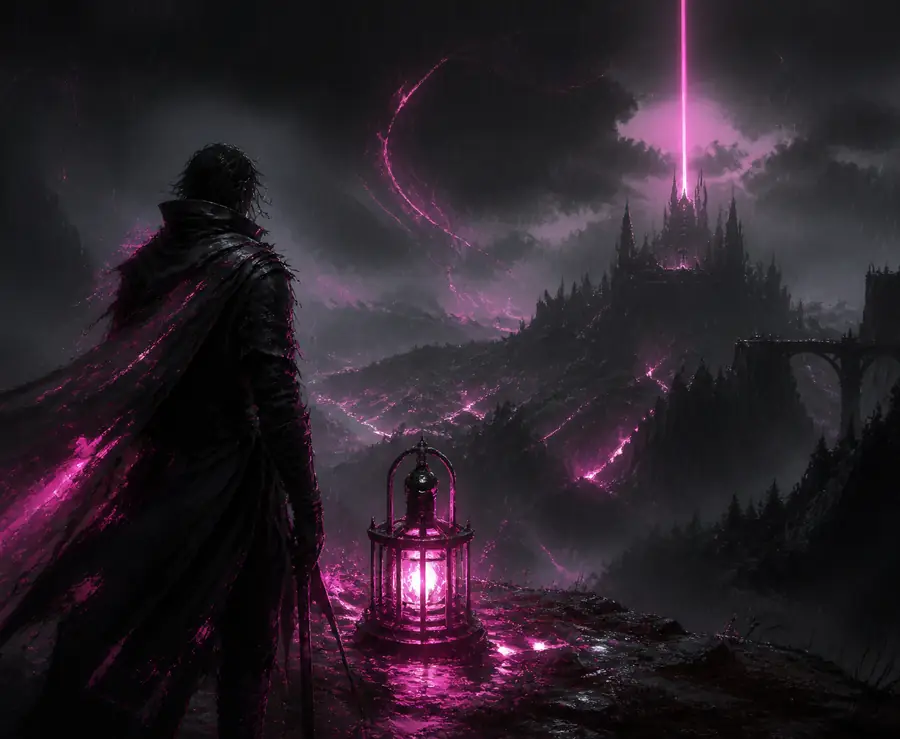
“A fantasy landscape at night.” The mood is clear, but the subject, viewpoint, palette, and intended use are still open.
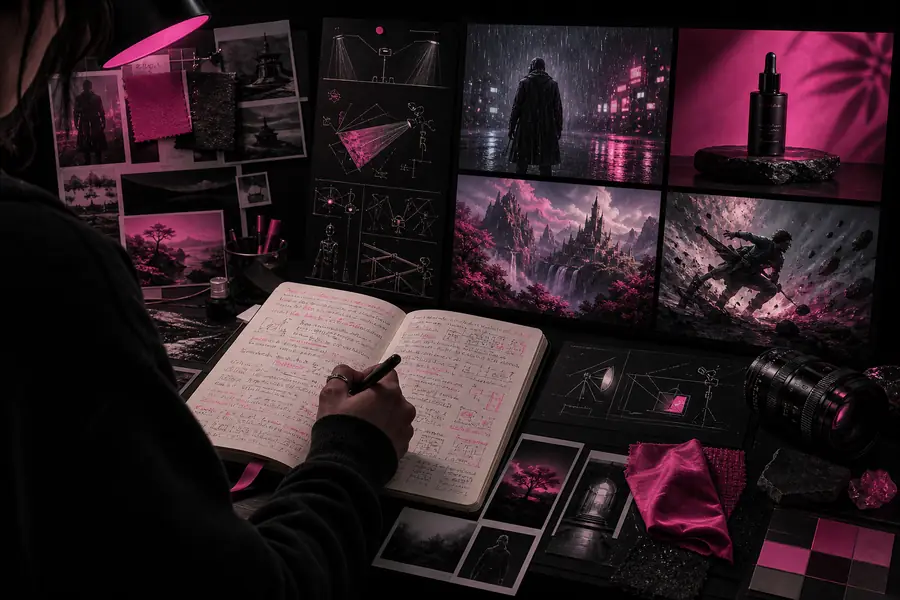
A structured visual board gathers subject, setting, camera, color, texture, and reference cues so a creative team can review the direction before production.
State who will see the image, where it will appear, and what response it should create.
Add subject, setting, composition, lighting, palette, material, and reference cues in descending order of importance.
Change one or two variables at a time so you can tell which edit improved the result.
04 / handoff standard
A useful prompt deliverable is more than a sentence. It should leave the next person with enough structure to reproduce the direction, compare variations, and understand which details are negotiable.
Name the primary subject and what it is doing. Avoid stacking unrelated focal points into one request.
Workaround: split competing ideas into separate prompt versions.
Describe the viewpoint, crop, depth, and visual hierarchy when framing affects the deliverable.
Workaround: use a reference image or generate a composition study first.
Specify palette, lighting, texture, era, and mood instead of relying on one broad style label.
Workaround: keep a short approved vocabulary for recurring projects.
05 / planning tool
Prompt quality depends on the job, not on how many adjectives fit in a box. These practical answers help creators choose the right amount of structure for the moment.
Include the decisions that affect the output: subject, action, setting, composition, mood, lighting, palette, and intended format. Remove decorative wording that does not change the visual brief.
Keep the core brief stable when you are comparing styles or compositions. Then change one variable at a time, such as lens, palette, or atmosphere, so the review remains useful.
No. Prompts guide the generation but cannot guarantee exact typography, anatomy, branding, or continuity. Treat the output as a visual draft and reserve a review pass for corrections.