A prompt-led image studio
Instead of opening several specialist applications, a user can describe a scene, select a format, and iterate from one online workspace.
A new way to make the idea in your head visible.
Definition / creative AI
OpenArt AI is a browser-based creative platform that helps people turn written ideas into images, variations, edits, characters, and visual worlds without needing a traditional studio workflow.
The service is best understood as a collection of generative image tools rather than a single image-making button.
The short answer
OpenArt AI gives creators a visual workspace for generating and refining artwork from natural-language instructions, reference images, and reusable creative direction.
Instead of opening several specialist applications, a user can describe a scene, select a format, and iterate from one online workspace.
Generation is the starting point; editing, variation, and consistency tools shape the result.
From idea to output
The basic workflow is intentionally familiar: describe the visual, choose the direction, then improve the strongest result. That makes the platform accessible even when a user has no formal image-production background.
Describe the subject, mood, composition, lighting, medium, or visual references in plain language.
The model interprets the prompt and returns multiple visual starting points to compare.
Use edits, variations, and targeted changes to move from an interesting draft toward a usable asset.
Keep exploring
See how OpenArt AI online fits into a browser workflow, or compare its prompt tools with the broader OpenArt AI image generator experience.
Set expectations
Generative systems are powerful pattern-makers, but they are not reliable substitutes for judgment, fact-checking, or final art direction.
A moving format
OpenArt AI belongs to a fast-moving wave of tools that changed image creation from a specialist production task into an iterative conversation.
Text-to-image tools made visual exploration available to people who could describe an idea but could not draw it.
Creators began expecting variations, reference guidance, inpainting, and repeatable styles rather than one-off generations.
Image generation, editing, character continuity, and world-building increasingly sit beside one another in the same workspace.
The strongest results come from a person who can choose, revise, reject, and explain why an image works.
The people behind the prompts
OpenArt AI can serve very different audiences because the same prompt-to-iteration loop adapts to different levels of skill and different creative goals.
Honest caveats
Knowing the limits makes the results more useful. Treat generated work as material to direct, not as an unquestionable final answer.
Letters, fingers, repeated objects, and precise product features may change between generations.
Workaround: enlarge the output and perform a focused edit or manual cleanup pass.
A detailed instruction improves the odds of a good result, but the model can still interpret relationships or spatial instructions loosely.
Workaround: simplify the scene, generate variants, and keep the strongest composition.
Keeping one character or visual identity stable across many images may require references and repeated review.
Workaround: define a compact style guide and reuse clear visual anchors.
OpenArt AI FAQ
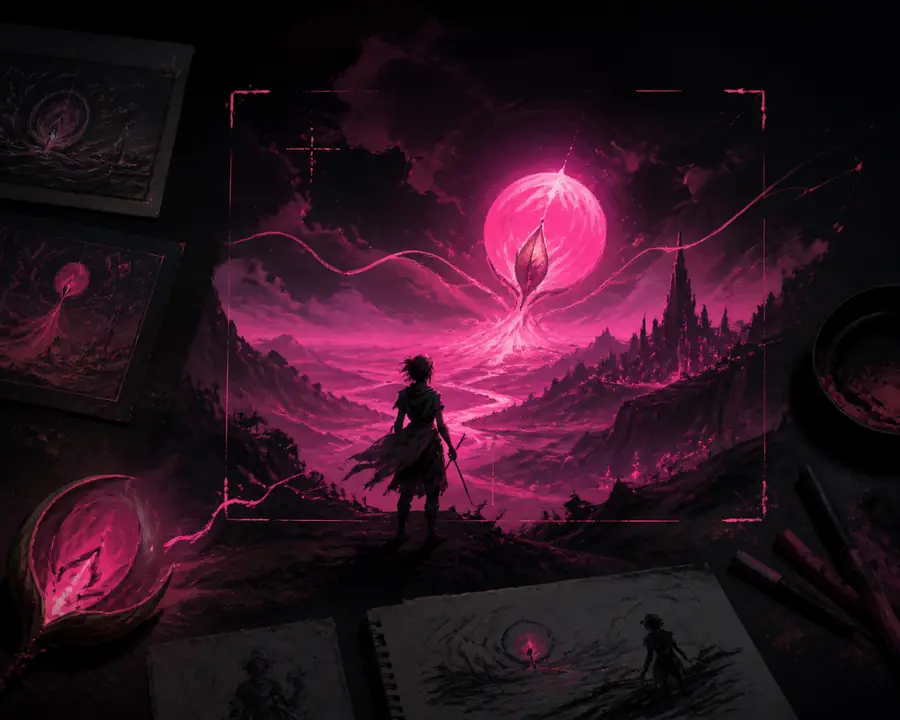
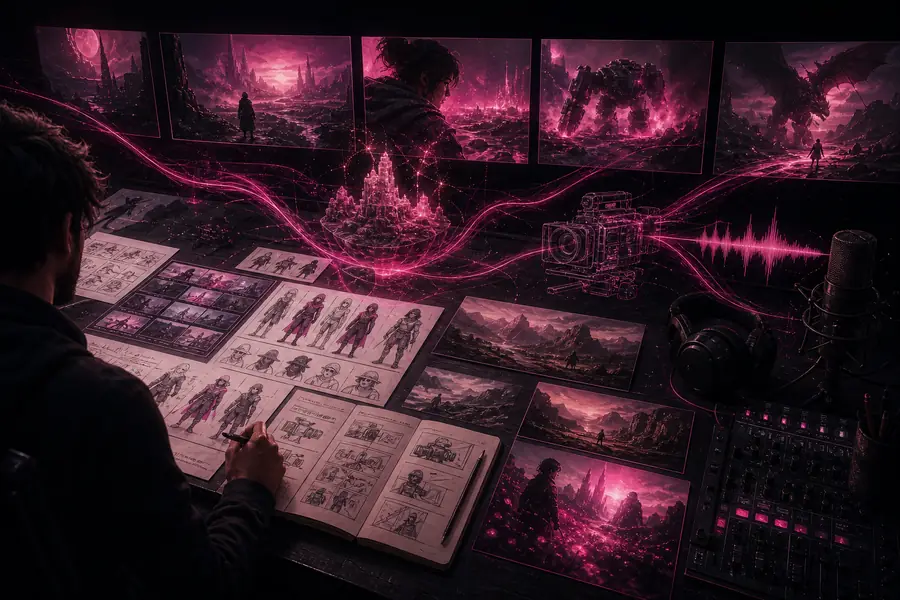
The practical difference is usually iteration: a first generation supplies direction, while selection and refinement turn it into a more intentional result.
Yes. Its central use is generating images from text and references, with additional tools for variations and edits.
No. Clear descriptions are enough to begin, although visual judgment and a willingness to iterate improve the final result.
It can create useful production material and strong concepts, but professional delivery still benefits from review, editing, and rights checks.
Begin with one subject, one style, and one clear purpose. Then compare several outputs before adding more complexity.