Indie storytellers
Plan a visual universe before producing a chapter, then use openart ai for creators to shape a practical production routine.
A new way to make the idea in your head visible.
WORLD-BUILDING WORKFLOW
OpenArt AI World Builder helps creators turn a loose idea into a repeatable visual system. Define the setting, characters, mood, and image rules before generating a full sequence, so every scene feels connected instead of randomly styled.
For concept development, visual references, storyboards, and exploratory image work.
A useful world builder is more than a single attractive image. It should give you a clear setting, reusable visual anchors, and enough direction to make the next scene feel like it belongs to the same universe. The table below turns that goal into a practical handoff.
| Need | What to define | Useful output |
|---|---|---|
| World identity | Era, geography, culture, materials, and atmosphere | A compact visual bible |
| Character continuity | Silhouette, clothing, palette, age, and distinguishing marks | Repeatable character references |
| Scene language | Camera distance, lighting, lens feel, and composition | A consistent shot direction |
Plan a visual universe before producing a chapter, then use openart ai for creators to shape a practical production routine.
Explore factions, biomes, props, and mood boards quickly with a openart ai prompts workflow built for iteration.
Keep locations and recurring characters recognizable while testing panels, costumes, and alternate story beats through openart ai for creators.
Turn a campaign idea into a family of coordinated visual directions with openart ai prompts that preserve tone across concepts.
SYSTEM INPUTS
A strong world-building pass makes the important decisions visible before you spend time polishing individual images.
Start with the non-negotiables: what must appear in every scene, what may change, and what should never drift. A world builder works best when these choices are short enough to reuse but specific enough to guide new generations.
VISUAL CHECK
The goal is not identical images. The goal is recognizable continuity with enough variation to keep the world alive.
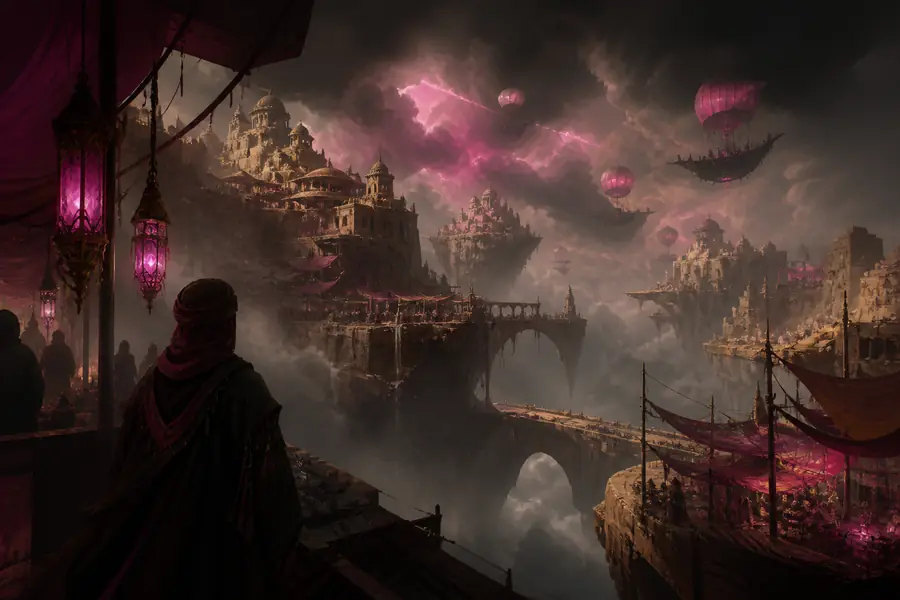
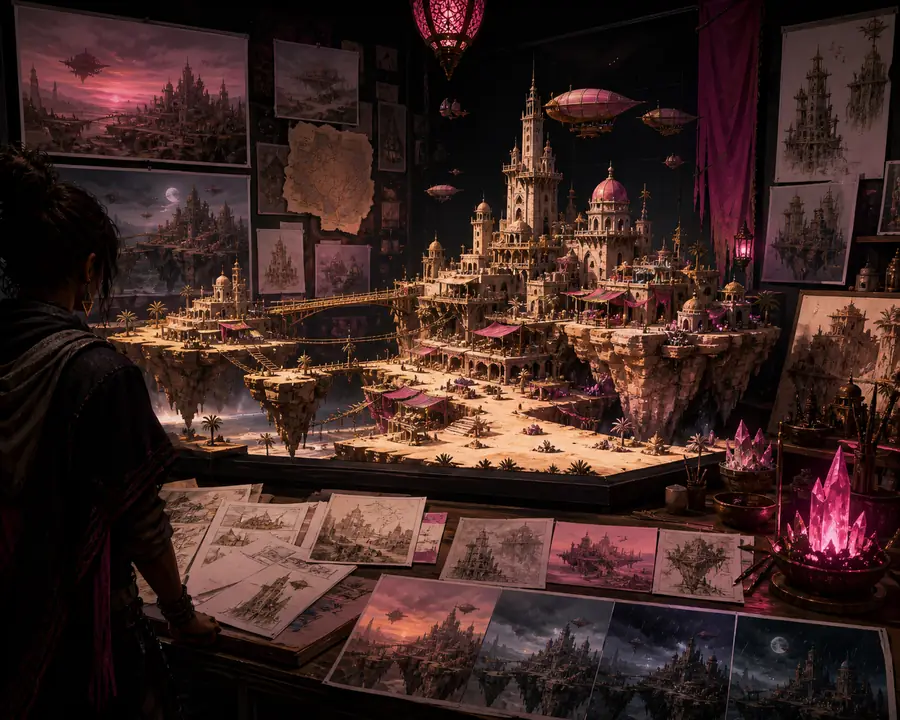
Compare the anchors rather than the pixels: environment logic, recurring color relationships, character cues, and camera mood should survive from one image to the next.
FROM IDEA TO SCENE SET
Most wasted generations come from changing several variables at once. This three-step world builder process keeps decisions legible.
Write the setting, recurring subjects, palette, materials, and emotional tone in plain language. Separate fixed traits from optional details.
Test a small set of compositions and styles before choosing a direction. Keep the strongest references together as your working visual bible.
Add new scenes one variable at a time, checking silhouettes, lighting, scale, and environment details against the selected references.
When a result misses, identify the failing anchor first. If the setting is right but the character drifts, revise the character description rather than restarting the entire world.
HONEST LIMITS
Generative outputs can vary in facial details, clothing, hands, and proportions even when the prompt is unchanged.
Workaround: keep a small reference set and repeat distinctive descriptors, poses, and wardrobe cues.
The world builder can accelerate exploration, but it cannot decide whether a visual choice serves your story or audience.
Workaround: establish a human-approved style sheet before expanding the scenario.
Small props, inscriptions, exact architecture, and complex spatial relationships often need manual correction.
Workaround: reserve editing time for hero frames and use simpler prompts for background variations.
A generated image may still require review for recognizable people, trademarks, source references, or client restrictions.
Workaround: document references and perform a rights and brand review before publishing.
It is a structured process for defining a setting, recurring subjects, visual style, and scene rules before generating a connected image set.
It can improve continuity by giving each generation shared references and constraints, but variation remains possible and selected images may need editing.
Prepare a short premise, key characters, location notes, palette, lighting direction, and examples of the mood or medium you want to explore.
Yes. It is especially useful for exploring environments, factions, props, character variations, and storyboard directions before a larger production pass.