Freelance designer
Turn a client brief into a focused moodboard with several visual directions before the first review call.
Use openart ai prompts to shape a stronger brief.A new way to make the idea in your head visible.
Creative production, reworked
OpenArt AI for creators turns a blank canvas into a usable visual system: references become concepts, concepts become variations, and the strongest direction becomes a deliverable.
Use generated work as a starting point, then review rights, likeness, brand fit, and final production requirements before publishing.
01 / The scenario's pain
A social post, pitch deck, product moodboard, or story world often starts with scattered references and a vague brief. The slow part is not having ideas; it is producing enough coherent options to compare, revise, and share.
Turn a client brief into a focused moodboard with several visual directions before the first review call.
Use openart ai prompts to shape a stronger brief.Build a bank of thumbnails, cover images, and campaign variations without reshooting every creative angle.
Explore openart ai world builder for repeatable scenes.Explore characters, environments, props, and lighting references while the game's visual language is still flexible.
Develop an openart ai world builder workflow for consistent worlds.Generate early campaign concepts that help writers, strategists, and art directors align around one direction.
Pair openart ai prompts with clear brand constraints.02 / Three concrete workflows
The best results come from treating image generation as an iterative production step, not a one-click replacement for creative judgment.
For a launch campaign, start with one sentence describing the audience, message, subject, and intended feeling. Then create several directions with different composition, palette, and camera language. A creator can compare the set, select the useful signal, and refine only the strongest route.
For recurring content, keep a small reference kit: recurring characters, color cues, locations, and framing rules. This makes revisions easier and reduces the drift that appears when every prompt starts from zero. A prompt-focused workflow helps turn those decisions into reusable instructions, while a world-building workflow is better when the same setting must return across many scenes.
03 / Example output
Use the first pass to discover a visual lane. Use the second pass to tighten the subject, framing, and presentation around the deliverable.
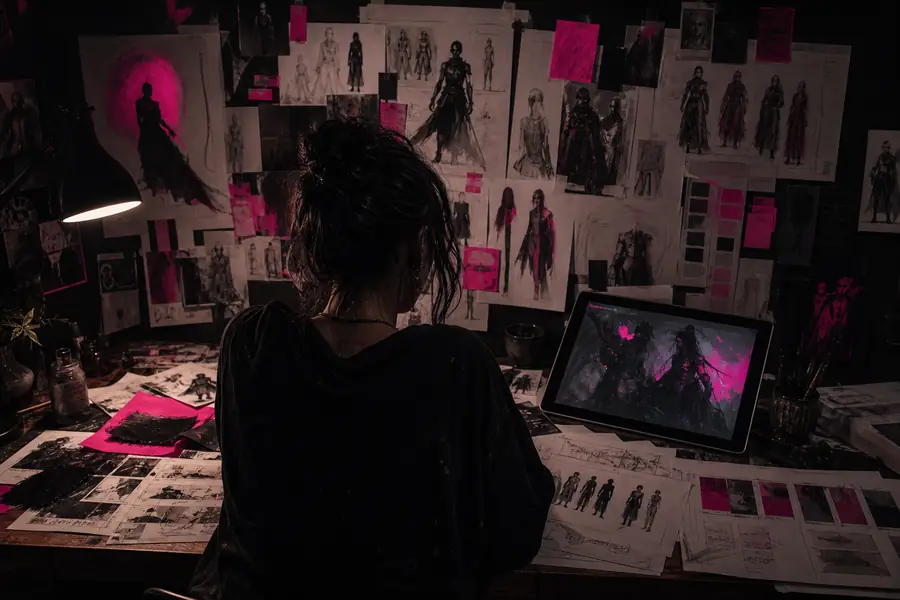
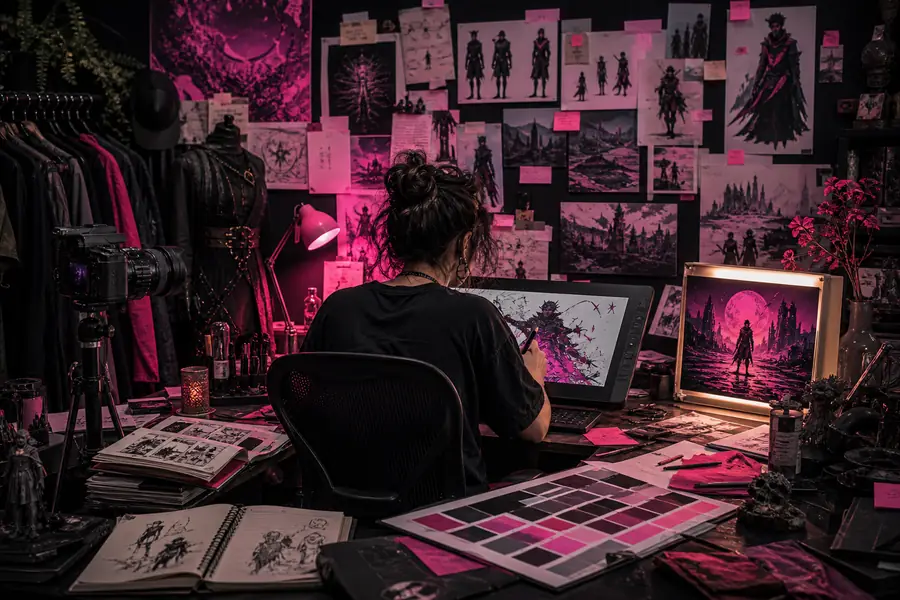
The useful transformation is not simply “more detail.” It is a clearer decision: what stays, what changes, and which visual elements belong in the final brief.
04 / Compliance notes
Fast ideation still needs a human review layer. Before a generated image becomes public-facing work, check the risks that matter to your audience, client, and distribution channel.
Do not assume that a familiar style, logo, character, or source image is cleared for commercial use. Keep references documented and use approved assets when a client requires them.
Review faces, names, uniforms, and recognizable individuals carefully. Obtain permission where likeness, endorsement, or identity could reasonably be inferred.
Check typography, packaging, product geometry, colors, and claims manually. Generated visuals can be excellent for concepting while still being unsuitable as final specifications.
Follow the platform, client, and jurisdictional rules that apply to synthetic media. Preserve the prompt and revision trail when provenance or internal approval matters.
05 / Scenario FAQ
Yes. It is most useful as an exploration and iteration layer: you can test compositions, references, palettes, and alternate directions before investing in polished production.
Commercial suitability depends on the tool's current terms, your inputs, the assets you reference, and the requirements of your client or platform. Review the applicable rights and keep a human approval step.
Use a stable character description, repeat key visual traits, supply useful references, and change one variable at a time. Save successful instructions so later scenes begin from a known baseline.
State the subject, action, environment, composition, lighting, mood, medium, and output purpose. Add constraints that matter, such as aspect ratio, safe areas, product placement, or brand colors.
The strongest creator workflow is deliberately iterative: explore widely, select with intent, refine against the brief, and review before release. That is where OpenArt AI becomes practical rather than merely novel.