Prompt TO IMAGE
Describe a subject, mood, composition, or visual reference in natural language. The online interface turns that direction into a set of images you can inspect quickly.
Try prompt-based creationA new way to make the idea in your head visible.
ONLINE WORKSPACE
OpenArt AI online gives you a browser-based workspace for turning written ideas into images, testing variations, and keeping promising results moving without installing a desktop app. Start with a prompt, adjust the direction, and compare outputs in one focused flow.
Start creating ↗| Attribute | Online workspace | Typical local workflow |
|---|---|---|
| Browser access | Yes | No |
| Desktop installation | Not required | Often required |
| Prompt-based creation | Yes | Usually |
| Variation testing | Built into the flow | Depends on the tool |
| Project portability | Use from supported browsers | Tied to the device setup |
| Real-time collaboration | Not guaranteed for every workflow | Usually separate |
THREE CORE MECHANISMS
Describe a subject, mood, composition, or visual reference in natural language. The online interface turns that direction into a set of images you can inspect quickly.
Try prompt-based creationWhen one result is close but not finished, continue from the idea instead of starting from a blank canvas. Small prompt changes can explore pose, lighting, color, and framing.
Explore image variationsKeep the generation step and the decision step together. Reviewing outputs in the same browser session makes it easier to identify a useful direction before polishing it elsewhere.
Open the visual workspaceThe online format is useful when you need a concept, thumbnail, moodboard element, or visual experiment before committing time to a full production workflow.
Make a quick conceptHOW IT WORKS
Begin with the subject and the result you want to see. Add visual details such as camera angle, lighting, material, era, palette, or intended use.
Look for the strongest composition rather than expecting the first image to be final. Compare silhouettes, expressions, spacing, and the way the prompt was interpreted.
Adjust the wording or continue from a promising result. Download a useful image, record the prompt, and move the chosen direction into your wider project.
LIMITS AND EDGES
Generated images can contain awkward anatomy, inconsistent details, unreadable text, or objects that do not match the brief precisely.
Workaround: generate several directions and inspect the chosen image at full size before publishing.
Broad instructions often produce broad interpretations. A short prompt may be fast, but it gives you less control over composition and hierarchy.
Workaround: name the subject, setting, viewpoint, lighting, style, and exclusions in a clear order.
An online generator can help create and refine visual material, but detailed retouching, layout, color management, and production handoff may require another application.
Workaround: treat the result as a strong starting asset and finish technical edits in your normal toolchain.
Browser performance, connection quality, model access, and service changes can affect how quickly a generation completes or which controls appear.
Workaround: keep a concise prompt history and download approved results as you work.
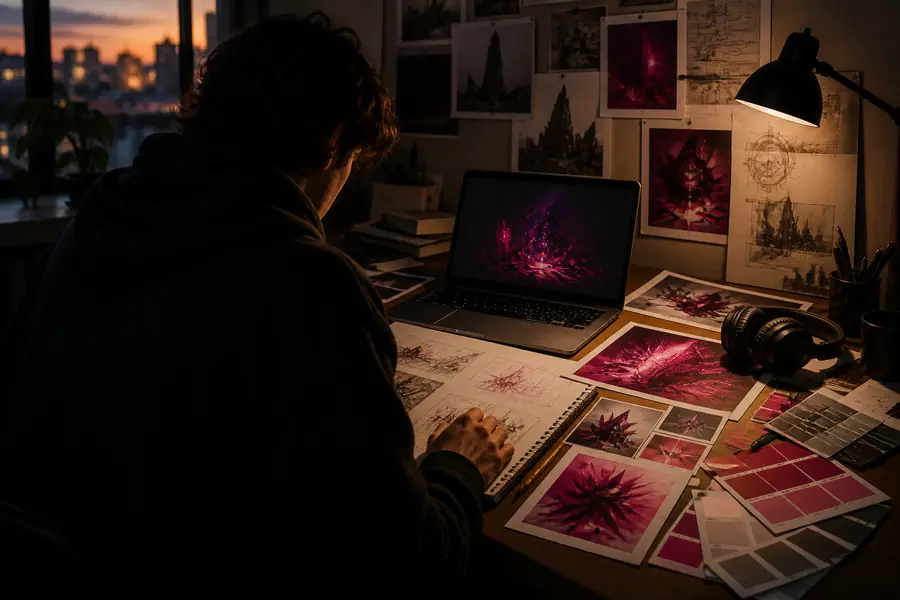
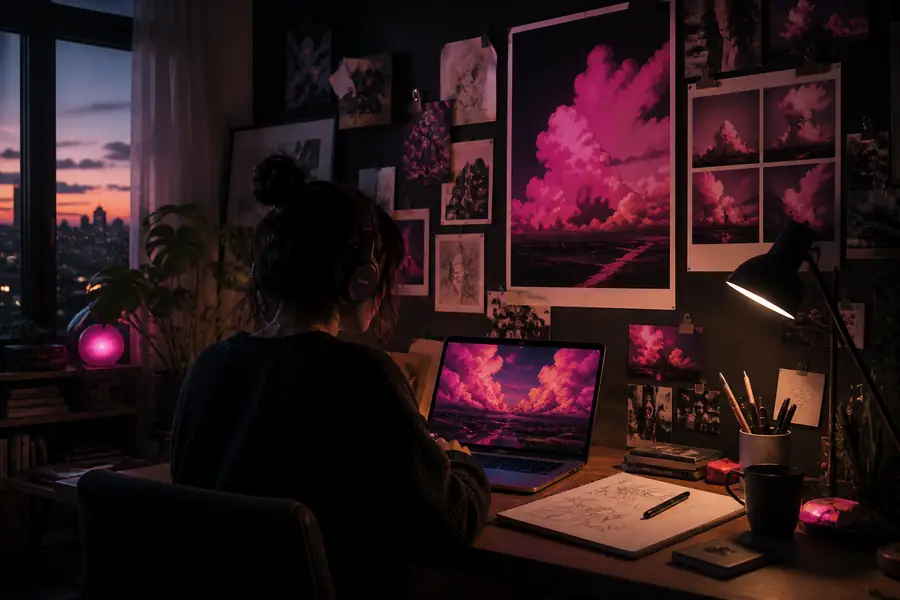
The practical advantage of an online workflow is not that every first result is perfect. It is that the distance between an idea, a comparison, and a better direction stays short.
BEFORE YOU BEGIN
ONLINE WORKSPACE FAQ
Yes. The online route is designed for browser-based access, so you can begin without setting up a separate desktop image-generation application.
It can be. Start with a simple subject-and-style brief, review several outputs, and add detail only when you need more control.
You can explore concepts such as portraits, characters, environments, product ideas, illustrations, and moodboard imagery. Always review results for accuracy and suitability.
Not in every case. It is effective for ideation and image creation, while precise retouching, typography, compositing, and production preparation may still belong in a specialist editor.