A practical comparison

OpenArt AI vs Midjourney: Which Workflow Wins?

The best choice depends less on hype and more on how you create. This guide compares the two platforms across recurring cost, visual quality, iteration speed, control, and the point at which changing tools is genuinely worth the effort.

Total cost at a glance

Price is only one part of the decision. A tool can appear inexpensive while consuming more time in failed generations, manual cleanup, or repeated prompt experiments. The table below focuses on the practical cost of producing usable creative work rather than treating a single subscription number as the whole story.

Attribute OpenArt AI Midjourney
Entry access Flexible starting access Paid plans required for regular use
Generation model choice Broad model and style selection Strong house style with version controls
Image editing Integrated creation and editing tools More limited as an all-in-one editor
Prompt experimentation Designed for broad testing Powerful, but often requires learning its conventions
Batch exploration Useful for comparing directions quickly Good for generating multiple visual candidates
Character consistency Dedicated character-oriented workflows Strong with reference-led prompting
Workflow breadth Images, edits, characters, and creative assets Primarily centered on image generation
Learning investment Lower friction for varied use cases Higher investment for consistent results

The visual question

Where quality differs

Both platforms can produce striking images. The meaningful difference is usually the kind of quality you need: a distinctive finished look, or reliable control over many different briefs.

OpenArt AI

Best for range and control

  • Supports varied visual directions instead of one dominant aesthetic.
  • Useful when a project moves between portraits, products, scenes, and edits.
  • Makes reference images and iterative adjustments part of the normal workflow.
  • The broad choice can require more judgment when selecting a model or style.

Midjourney

Best for a recognizable art direction

  • Often delivers polished composition and atmosphere from concise prompts.
  • A strong fit for concept art, moodboards, editorial visuals, and style exploration.
  • Can produce a coherent visual signature across a creative series.
  • Precise commercial layouts and small corrective edits may take more iteration.

For a designer building a moodboard, Midjourney can feel immediately impressive because its visual language is confident. For a creator who needs several different types of assets, OpenArt AI can be more practical because the surrounding workflow is broader. The result is not a universal winner; it is a difference between aesthetic momentum and production flexibility.

That distinction matters when comparing openart ai alternatives. An alternative is useful only when it improves a specific part of your process, such as image editing, model access, character continuity, or the ability to move from an idea to a finished asset without switching applications.

From prompt to usable asset

Where time differs

Speed is not just how quickly an image appears. It includes briefing, selecting a direction, correcting mistakes, organizing outputs, and preparing the result for its final use.

Choose OpenArt AI when
You expect to test multiple styles, models, or editing paths in one session.
You need to turn rough generations into more specific deliverables.
You want a shorter path between image generation and creative production.
Choose Midjourney when
You want fast visual ideation from a concise creative brief.
You are exploring atmosphere, composition, costume, environments, or art direction.
You value a focused interface and do not need a large editing toolkit.
Compare the full workflow when
Your team repeats the same asset types every week.
Small corrections matter as much as the initial generation.
Handoffs, references, and predictable outputs affect the real deadline.

Midjourney may be faster at the first spark: write a prompt, review a set, and discover a compelling direction. OpenArt AI may be faster across the whole assignment when the brief changes shape. A creator who begins with a portrait, adds a product element, develops a character, and then edits the scene may save time by keeping those stages together.

In other words, compare the time to finish, not only the time to generate. If you are still deciding which kind of workflow suits you, the guide to openart ai for creators is a useful companion for thinking through repeatable creative tasks.
Make the switch deliberately

When switching is worth it

Changing image tools has a cost: prompts need translating, saved references need organizing, and a team may need to learn a new interface. Switch when the gain is visible in your recurring work.

Switch toward OpenArt AI
When one project needs several visual formats rather than one consistent style.
When editing, character work, or model choice is slowing down your current process.
When you want to compare approaches before committing to a final image.
Stay with Midjourney
When its signature look already matches your brand or portfolio.
When your main need is rapid concept exploration and visual inspiration.
When your team has already built a reliable prompt and reference practice.
Run a measured test
Use the same five briefs in both tools: a portrait, product scene, environment, character, and edit.
Score usable first results, correction time, consistency, and handoff effort.
Keep the tool that reduces total production friction, even if its first image is not always the flashiest.

A closer look at the trade-off

Comparison FAQ

AI-generated creative comparison artwork
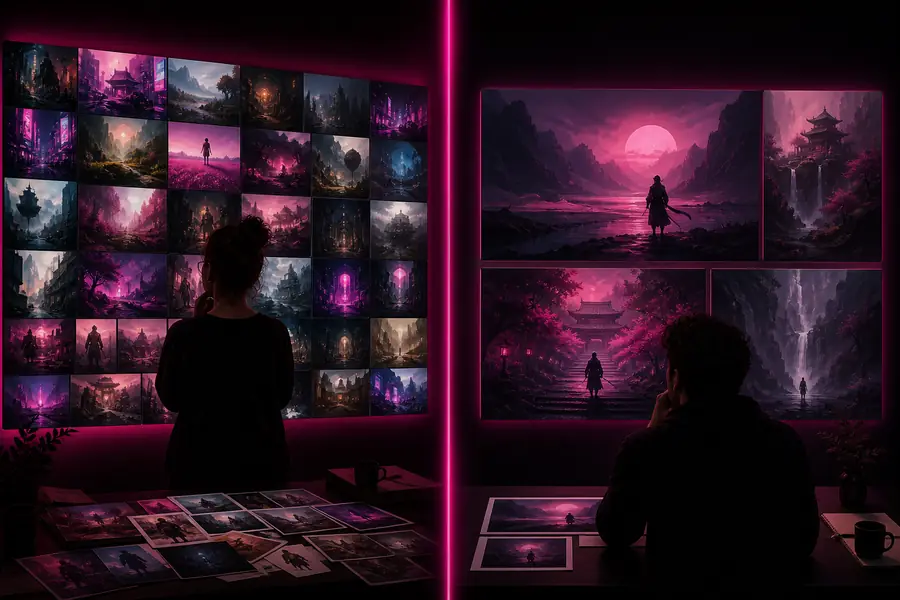
One brief, broad exploration
Polished atmospheric AI artwork for visual direction
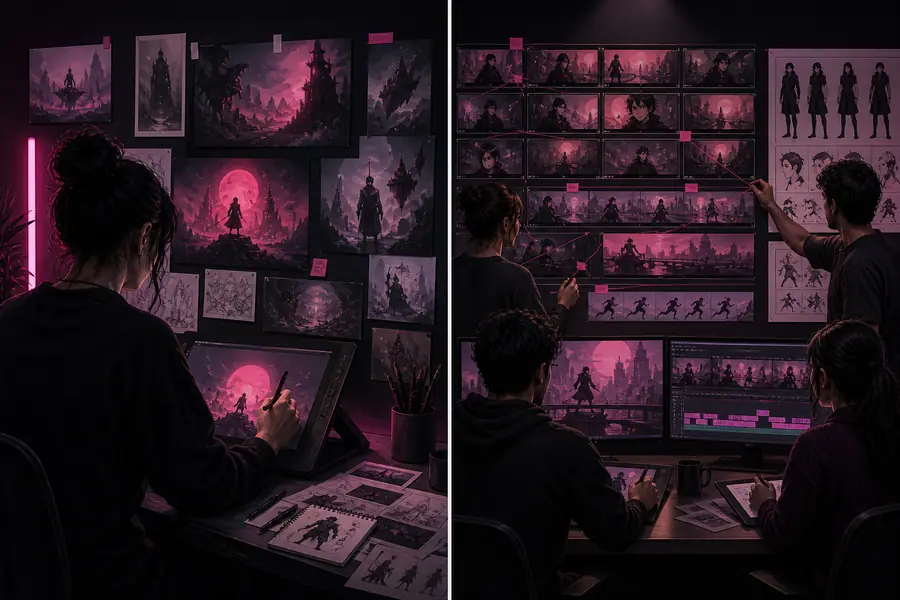
One brief, focused art direction

The comparison is about workflow priorities rather than a fixed quality ranking: flexible production on one side, a distinctive visual signature on the other.

Is one platform better for beginners?

OpenArt AI is often easier for beginners who want to try different creative tasks in one place. Midjourney can be approachable for visual exploration, but its prompt conventions and focused workflow may take longer to master.

Which tool is better for professional image work?

It depends on the deliverable. Midjourney is strong for concept development and distinctive visual direction, while OpenArt AI is a practical choice when editing, model variety, characters, or repeated production steps matter.

Can the same prompts be used in both tools?

The creative brief can carry over, but the prompt should usually be adapted. Each system responds differently to wording, references, aspect ratios, style terms, and instructions about composition.

Should I use both platforms?

Using both can make sense when ideation and production have different needs. Test them on identical briefs first, then keep a primary tool and reserve the second for the situations where it has a clear advantage.